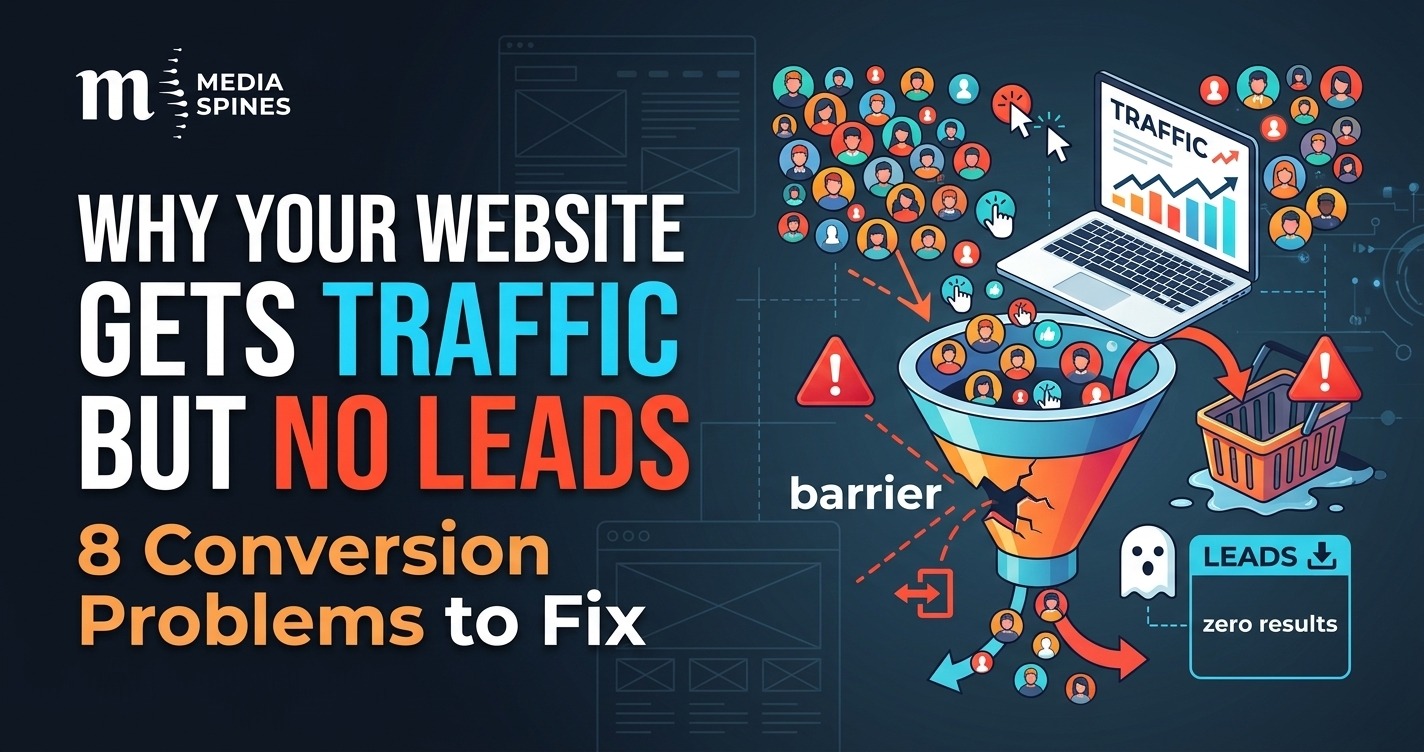
Your analytics look healthy. Visits are up, rankings are climbing, and people are reading your pages. Yet the contact form sits empty, and the phone stays quiet.
It’s a frustrating spot, and a common one. At Media Spines, we review sites in this exact situation all the time, and the cause is rarely “bad luck.” It’s usually a small set of fixable problems between the visitor arriving and the visitor reaching out.
This guide walks through the eight we see most, with simple fixes you can start this week.
The Quick Answer
If you have website traffic but no leads, the cause is usually one of three things: the wrong people are visiting, the page doesn’t make the next step obvious, or something about trust, speed, or friction stops people from acting.
Check those three first. Then work through the eight problems below in order.
Quick Diagnosis: Website Traffic but No Leads?
Before you change anything, find out where visitors drop off. These numbers in your analytics tell you a lot.
- High traffic, very short visits. The page doesn’t match what people expected, or it loads too slowly.
- Long visits, no action. People are interested but unsure, or can’t find the next step.
- Many visits to your contact page, few form submissions. The form is the problem.
- Good desktop results, poor mobile results. Your mobile experience is hurting you.
- Leads show up in analytics but not in your inbox. Your form or tracking is broken.
A low website conversion rate rarely has one cause. But these signals point you to the right place to start.
8 Conversion Problems That Cost You Leads
1. You’re Attracting the Wrong Visitors
Traffic only helps if the right people arrive. A blog post about “free logo ideas” may bring thousands of visits, but few of those readers want to hire a branding agency.
Fix: Look at which pages bring visitors and which of those visitors ever enquire. Write more content for the people who buy, and stop judging success by visit count alone. Our SEO services work starts with buyer intent for exactly this reason.
2. Your Headline Doesn’t Say What You Do
Visitors decide in seconds whether they’re in the right place. Headlines like “Welcome to Our Website” or “Innovative Solutions for Tomorrow” tell them nothing.
Fix: State what you do, who it’s for, and the benefit, in one line. Compare:
- Weak: “Excellence in every project”
- Strong: “Bookkeeping for small cafes and restaurants, done monthly so you never scramble at tax time”
If a stranger can’t explain your business after five seconds on the page, rewrite it.
3. The Call to Action Is Weak or Missing
“Contact us” at the bottom of a long page asks for effort and promises nothing. Many sites bury the next step or offer five competing buttons.
Fix: Pick one main action per page. Make the button say what happens: “Get a free quote in 24 hours” or “Book a 15-minute call.” Repeat it near the top, the middle, and the end of the page.
4. Your Forms Create Friction
Every extra field costs you leads. A form asking for company size, budget, address, and three phone numbers will frighten off people who were ready to talk.
Fix: Ask only for what you need to reply. Name, email, and a short message are often enough. Add a clear line after the button, such as “We reply within one business day.” Test your form on your own phone to make sure it works.
5. The Site Is Slow or Hard to Use on Mobile
Many visitors arrive on phones. Large images, pop-ups, and tiny buttons make the page painful to use. People leave without saying a word.
Fix: Test your key pages on a real phone. Compress images, remove pop-ups that cover the content, and make buttons large enough to tap. Speed and usability are also part of good SEO best practices, so the work pays off twice.
6. Visitors Don’t Trust You Yet
People hesitate to hand over their details to a business they don’t know. No reviews, no real photos, no address, and no names make a site feel risky.
Fix: Add proof where decisions happen, not only on a separate page:
- Customer reviews with names and details.
- Case notes or before-and-after results
- Photos of your actual team and work
- Certifications, awards, and client logos you’re allowed to show
- A real address and phone number
Specific proof beats general praise. “We cut Maria’s reporting time from six hours to one” convinces more people than “great service.”
7. Your Landing Page Doesn’t Match the Click
Someone clicks an ad or search result promising “emergency boiler repair,” then lands on a general homepage. The mismatch loses them. This is a major reason for a weak landing page conversion rate.
Fix: Give each campaign or topic its own page that repeats the promise from the ad or search result in the headline. Remove the main menu if it pulls people away from the one action you want. If your paid traffic is the issue, our PPC campaigns team starts by fixing this match.
8. Leads Slip Away After They Arrive
Sometimes people do enquire, and you still lose them. The form fails silently, emails land in spam, or a reply takes three days.
Fix: Submit a test enquiry every month and confirm it reaches the right inbox. Set up an instant confirmation email. Aim to reply within an hour during business hours. Track every lead from first visit to sale, so you can see where they disappear.
Symptom, Cause and Fix at a Glance
| What You See | Likely Cause | First Fix |
| Visitors leave in seconds | Headline mismatch or slow page | Rewrite headline, speed up page |
| Many readers, no enquiries | Weak call to action | Add one clear, specific action |
| Visits to contact page, few submissions | Form friction or errors | Shorten form, test it |
| Poor mobile results | Layout and speed issues | Redesign for phones first |
| Paid traffic, no leads | Ad and page don’t match | Build focused landing pages |
| Enquiries but no sales | Slow follow-up or poor leads | Reply fast, review lead quality |
A Real-World Example
This is an illustrative scenario based on common projects, not a named client.
A landscaping company in Ohio got around 4,000 visits a month from blog posts about lawn care. Almost none turned into quotes. They had website traffic but no leads because most readers were homeowners who wanted to do the work themselves.
They made four changes. They added service pages for commercial and large residential jobs. They rewrote the homepage headline to say “Lawn and grounds care for offices and larger homes in Columbus.” They cut the quote form from nine fields to four. And they added three customer reviews with photos beside the form.
Visits stayed about the same. Quote requests rose from two a month to around eleven over the next few months. The fix wasn’t more traffic. It was a clearer path.
30 Day Plan When You Have Website Traffic but No Leads
Week 1: Find the leak.
- Check which pages bring visitors and which lead to enquiries.
- Watch a few session recordings or review heatmaps.
- Test your forms, phone number, and email routing
Week 2: Fix the basics.
- Rewrite headlines on your top five pages.
- Add one clear call to action to each page.
- Shorten your main form.
Week 3: Build trust and speed.
- Add reviews, photos, and proof near each call to action.
- Compress images and test on mobile.
- Remove anything that distracts from the main action.
Week 4: Test and measure.
- Run one simple test, such as two button texts.
- Compare lead numbers with the previous month.
- Decide what to scale and what to drop.
This kind of website conversion optimization works because each step builds on the one before. Small, steady changes beat a full redesign in most cases.
Practical Tips From the Work
- Talk to your last five customers. Ask what nearly stopped them from contacting you. Their answers often reveal your biggest blocks.
- Use their words. Copy phrases customers use into your headlines and buttons.
- Style=”font-weight: 400;” aria-level=”1″>Be patient with small sites.
- If you only get a few hundred visits a month, tests take longer to prove anything. Focus on clear fixes, not constant experiments.
- Look beyond the page. Sometimes the real issue is price, service area or product fit. If good traffic and a clear page still produce nothing, question the offer itself.
Measure What Matters
Good lead generation optimization depends on tracking the right things. Keep a simple monthly sheet with:
- Visitors by source
- Form submissions and phone calls
- Conversion rate for each key page
- Number of leads that became customers
- Average time to first reply
Compare your numbers month to month, not against a random industry average. Your own trend tells you more than a generic benchmark.
When to Ask for Help</b>
Some fixes are quick. Others need someone who studies this daily. Consider outside help if you’ve tried the basics without results. If you spend heavily on ads or content, or if you can’t tell which part of the funnel is leaking.
The digital marketing team at Media Spines can audit your site, find where visitors drop off, and give you a prioritized list of fixes, so you know what to do first.
FAQs
Q1: Why do I have website traffic but no leads?
Usually because of visitor quality, an unclear message, a weak call to action, a clumsy form, slow or poor mobile pages, or low trust. Check your analytics to see where people leave, then fix the biggest drop-off first.
Q2: What is a good website conversion rate?
It varies by industry, offer, and traffic source. Many business sites see a few percent, but your best comparison is your own past results. If your rate is falling or well below peers in your field, treat it as a sign to investigate.
Q3: How do I improve my landing page conversion rate?
Match the page to the ad or search that brought the visitor, write a clear headline, offer one specific action, keep the form short, add proof near the button, and make sure the page loads fast on mobile.
Q4: How long does it take to see results from conversion fixes?
Simple fixes like a clearer headline or shorter form can show changes within a few weeks. Sites with low traffic may need longer to collect enough data to judge. Review monthly and avoid changing too much at once.
Q5: Should I get more traffic or fix conversions first?
Usually fix conversions first. More visitors sent to a page that doesn’t convert simply wastes money. Once your page turns a reasonable share of visitors into leads, adding traffic multiplies the benefit.
Q6: What tools help with website conversion optimization?
Free analytics, heatmaps, and session recordings show where people click and leave. Form tracking and call tracking show where leads come from. Start simple, since a few good insights beat a pile of dashboards. Good lead generation optimization begins with seeing the problem clearly.
Q7: Can a redesign fix a low website conversion rate?
<span style=”font-weight: 400;”>Sometimes, but not always. A redesign without evidence can make things worse. Fix clear problems first, such as headlines, forms, speed, and proof. Redesign when the structure itself blocks visitors.
Q8: How do I know if my leads are good quality?
Track leads through to sales. If many enquiries never become customers, your targeting. Message or pricing may attract the wrong people. Ask your sales team what they see and feed that back into your pages and campaigns.
Getting visitors but no enquiries? Get in touch, and we’ll review your site and show you exactly where leads are slipping away.