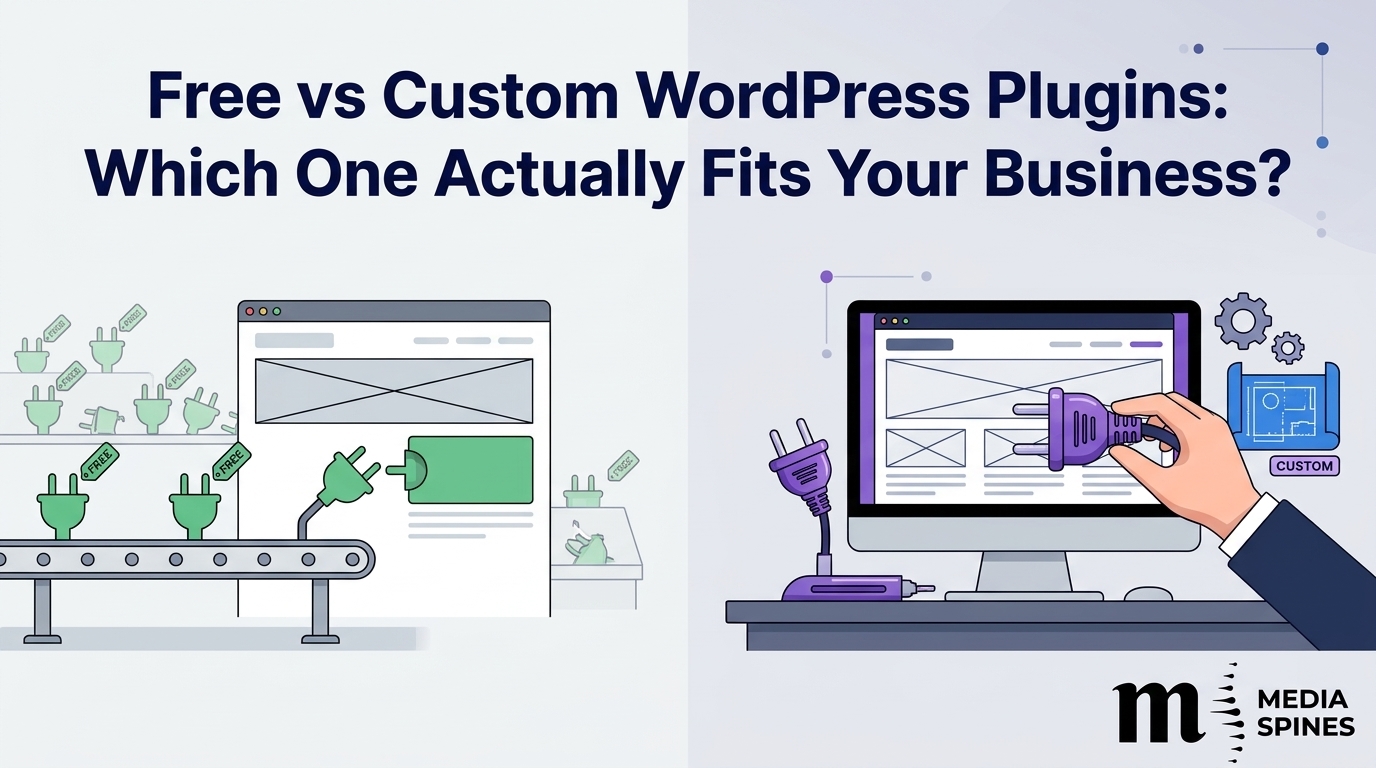
Most WordPress sites start the same way. You need a contact form, so you install a free plugin. You need SEO tools, so you install another. A year later, you have 35 plugins, a slow site, and one feature that still doesn’t work the way your business does.
At Media Spines, we see this pattern in almost every site audit. The question isn’t whether free plugins are good. Many are excellent. The real question is where they stop fitting, and when custom WordPress plugin development becomes the cheaper, safer choice.
This guide gives you a plain way to decide.
The Short Answer: Free or Custom?
Use a free or premium ready-made plugin when your need is common. Contact forms, caching, basic SEO, image compression and backups are solved problems. Someone already built a good version.
Choose a custom plugin when your process is unusual, when you need to connect systems that don’t talk to each other, or when a ready-made plugin forces you to change how your business works.
A good rule: if you find yourself bending your workflow to fit the plugin, it’s time to look at a custom build.
What Is Custom WordPress Plugin Development?
A custom plugin is a small piece of software written for one specific website or business. It adds a feature to WordPress that doesn’t exist in the core software, or exists but doesn’t behave the way you need.
Think of it as a tailored suit versus an off-the-rack one. Both cover you. Only one fits your shoulders.
Custom plugins can do things like:
- Calculate prices using your own rules.
- Sync orders with your accounting or inventory system
- Create a booking flow built around your staff and services.
- Show different content to different customer types.
- Pull data from an internal tool into your site.
What Free Plugins Do Well
Free plugins from the WordPress.org directory get a lot right. Thousands of sites test them, so they find common bugs fast. They cost nothing upfront, and you can install one in five minutes.
For many small sites, a handful of well-maintained free plugins is the right answer. You don’t need a developer to add a Yoast-style SEO tool or a caching plugin. Spending money there would be a waste.
Free plugins work best when:
- The feature is standard and widely used.
- The plugin has regular updates and strong reviews.
- Your site is small and doesn’t depend on it for revenue.
- You can replace it later without losing data.
Where Free Plugins Start to Hurt
The problems rarely show up on day one. They show up in month eight, when traffic grows, or your needs change.
Bloat and Speed
Many free plugins load scripts and styles on every page, even pages that don’t use them. Stack 10 of those and your site slows down. Slower pages hurt conversions and rankings, which is why site speed is part of SEO best practices today. Our SEO services team checks plugin load first when a site loses speed.
Security Gaps
Plugins are one of the most common entry points for attacks on WordPress sites. A free plugin that the author stops updating becomes a risk. Always check the “last updated” date before you install anything.
Feature Limits
Free versions often lock the useful parts behind a paid tier. You install the free version, then discover the feature you need costs $99 a year per site. Over three years and five sites, that adds up.
Conflicts
Two plugins that both edit the same part of a page can break each other. Fixing that usually means hours of testing, and sometimes the answer is “pick one.”
Dependence on a Stranger
When you rely on a free plugin, you rely on one developer’s free time. If they quit, you inherit the problem.
When Custom WordPress Plugin Development Makes Sense
Custom work isn’t for everyone. It makes sense in these situations.
Your Process Is Your Advantage
If your pricing, scheduling or approval steps are what make your business different, a generic plugin will flatten that. Custom WordPress plugin development lets the site follow your process instead of the other way around.
You Need Systems to Talk to Each Other
Connecting WordPress to a CRM, ERP, payment gateway, or booking engine often needs an integration no free plugin covers. A custom plugin can handle that connection cleanly.
You’re Running Too Many Plugins for One Job
Sometimes a site uses four plugins to do what one focused custom plugin could do. Replacing them cuts load time and reduces update headaches.
Security or Compliance Matters
Health, finance, and legal sites often need control over exactly how data is stored and sent. Writing the code yourself means you know what runs on your server.
You Plan to Grow
A feature that works for 100 visitors a day can crawl at 10,000, especially after a successful pay per click campaign sends a traffic spike. Custom code can be built for your expected traffic from the start, so your SEO growth doesn’t stall on a slow site.
Real World Examples
These are illustrative scenarios based on common projects, not named clients.
The service business has a pricing problem. A cleaning company sold packages based on room count, location, and frequency. Their free quote plugin could handle only one variable at a time. A custom quote calculator, built in about three weeks, replaced it. The team stopped answering “how much for my house?” emails by hand, and the owner reported far fewer back-and-forth messages.
The store with a stock headache. An online shop sold through WordPress and a warehouse system. Staff copied stock numbers between the two every morning. A small custom plugin synced them every 15 minutes. Overselling stopped.
The blog that didn’t need custom anything. A consultant asked us about a custom contact form. We told her to use a free one. Her needs were basic, and paying for custom code would have been money wasted. Honest advice sometimes means saying no to a bigger project.
Free vs Custom WordPress Plugins: Side by Side
| Factor | Free Plugin | Premium Plugin | Custom Plugin |
| Upfront price | $0 | $50 to $300 a year | $1,500 to $15,000+ |
| Setup time | Minutes | Hours | Weeks |
| Fit for unusual needs | Low | Medium | High |
| Ongoing licence fees | None | Yearly | None |
| Site speed impact | Often heavy | Varies | Light if built well |
| Security control | Low | Medium | High |
| Support | Forums | Vendor team | Your developer |
| Best for | Common features | Standard business tools | Unique workflows |
Notice that price per year tells only half the story. A cheap plugin that costs you leads is expensive.
What Affects WordPress Plugin Development Cost?
People often ask for one number. There isn’t one, because no two plugins are alike. What you pay depends on these factors.
- Scope. A simple plugin that adds a custom post type and a shortcode can cost a few hundred dollars. A plugin with user accounts, payments and reports costs far more.
- Integrations. Each outside system you connect adds testing time. Some have messy documentation.
- Design work. Admin screens and front-end layouts take extra time.
- Security and testing. Good developers test properly. That time is worth paying for.
- Developer location and experience. Rates vary widely. Cheapest rarely means best.
- Ongoing care. WordPress updates several times a year. Budget for maintenance.
As a rough guide, small plugins often fall between $500 and $3,000. Mid-sized builds with integrations commonly land between $3,000 and $10,000. Complex systems cost more. Treat these as ballparks, not quotes, and ask for a written scope before signing.
How to Keep WordPress Plugin Development Cost Under Control
You can’t remove cost, but you can control it.
- Write down the problem, not the solution. “Staff waste two hours a day copying stock” is more useful than “I need a sync plugin.”
- Start with a minimum version. Build the core feature first. Add extras after you see real use.
- Ask for a fixed scope. Vague briefs lead to surprise invoices.
- Own your code. Make sure the contract gives you the source files.
- Maintenance plan. A small monthly retainer is cheaper than an emergency fix.
Counting the WordPress plugin development cost against a year of lost time or abandoned carts often makes the decision clearer. Compare the build price with what the current workaround costs you each month.
Questions to Ask Before You Decide
Before you spend anything, answer these:
- Does a trusted plugin already do 90% of this?
- What happens to my business if this feature breaks?
- Will I need this in three years?
- Who updates it when WordPress changes?
- What will I lose if I change my mind later?
If a ready-made plugin covers most of your needs, start there. If three or more answers point to risk or growth, a custom route is likely worth it.
How to Hire the Right Developer
Good custom WordPress plugin development depends on who writes the code. Look for these signs.
- They ask about your business before they talk about code.
- They follow WordPress coding standards.
- They can show plugins they built, ideally live ones.
- They explain security steps like data sanitising and permission checks.
- They offer documentation and a handover plan.
- They give you the code, not a locked box.
Be cautious of anyone who promises a finished plugin in two days or quotes without asking a single question.
If you’d like a second opinion on whether your site needs custom work, the digital marketing and development team at Media Spines can review your plugin stack and tell you plainly what to keep, replace or build.
A Simple Decision Path
Use this quick check:
- Is the feature common? Use a trusted free or premium plugin.
- Is it slowing the site or leaking money? Look for a lighter option, or a custom fix.
- Does it connect to other systems? Lean custom.
- Is it central to how you make money? Lean custom.
- Is the budget tight right now? Start with a ready-made option and plan the custom build for later.
FAQs
Q1: What is custom WordPress plugin development?
It is the process of writing a plugin made for one site or business. The plugin adds features that standard WordPress and ready-made plugins don’t provide, or changes how they work to match your process.
Q2: How much does custom WordPress plugin development cost?
Small builds often start around $500 to $3,000, while mid-sized projects with integrations commonly cost $3,000 to $10,000. Complex systems can go higher. Your final WordPress plugin development cost depends on scope, integrations, design, and testing.
Q3: Are free WordPress plugins safe?
Many are, but check before you install. Look for recent updates, a high active install count, good reviews and compatibility with your WordPress version. Remove any plugin you no longer use.
Q4: How long does it take to build a custom plugin?
A simple plugin can take a few days. A mid-sized one usually takes three to eight weeks. Larger systems take longer. Clear requirements and quick feedback shorten the timeline.
Q5: Can I switch from a free plugin to a custom one later?
Yes, and it’s often a smart path. Start with the free option, learn what you really need, then build custom once the requirements are clear. Export your data first so nothing is lost.
Q6: Will a custom plugin make my site faster?
It can. A custom plugin loads only the code your site needs, whereas a general plugin loads features you never use. Speed gains depend on how well it’s written, so ask your developer about performance testing.
Q7: Who maintains a custom plugin after launch?
You decide. Many businesses use a small monthly maintenance plan with the developer. Whatever you choose, make sure you own the code and have documentation so another developer can step in if needed.
Q8: Is custom plugin development worth it for a small business?
Sometimes. If the feature saves hours each week or protects revenue, it can pay for itself quickly. If a free plugin does the job, save your money.
Not sure whether your site needs a custom build or just a cleaner plugin stack? Get in touch, and we’ll review your setup and give you an honest recommendation.